Apple Inc. has cut the approval time for new submissions to
its App Store from more than a week to less than two days,
part of a broader push to increase revenue from services
including mobile applications.
The accelerated pace allows app developers to fix bugs faster,
try out new features more regularly and better react to market
changes, while building developer loyalty to Apple’s iOS
mobile operating system. The mean approval time has fallen
from 8.8 days a year ago to 1.95 days in the past two weeks,
according to
AppReviewTimes.com, which
analyzes user-submitted data. In December, the average was
more than five days.
Wonder how Apple is achieving this. More reviewers? Lower
standards?
Update: I don’t get this: “part of a broader
push to increase revenue from services”. I don’t see how shorter
review times will increase Apple’s revenue. If anything, it
might be costing them more, since the most obvious way they
could achieve this is by hiring more reviewers. In some
companies everything is a cost center, but not at Apple. If
these review times are not just a statistical fluke, the
simplest explanation for why is that Apple is responding to
long-standing complaints from developers. Remember too, that
App Store leadership moved from Eddy Cue to Phil Schiller
just a few months ago.
“We are making the investment for a number of strategic
reasons, including a chance to learn more about certain
segments of the China market,” he said. “Of course, we believe
it will deliver a strong return for our invested capital over
time as well.”
Didi Chuxing, formerly known as Didi Kuaidi, said in a
statement that the funding from Apple was the single largest
investment it has ever received. The company, which previously
raised several billion dollars, dominates the ride-sharing
market in China. The company said it completes more than 11
million rides a day, with more than 87 percent of the market
for private car-hailing in China.
Say you’re texting with a friend about tomorrow’s lunch plans.
They ask you for the address. Until now it’s worked like this:
You leave your texting app. Open Search. Find the restaurant.
Copy the address. Switch back to your texts. Paste the address
into a message. And finally, hit send.
Searching and sending stuff on your phone shouldn’t be that
difficult. With Gboard, you can search and send all kinds of
things — restaurant info, flight times, news articles — right
from your keyboard. Anything you’d search on Google, you can
search with Gboard. Results appear as cards with the key
information front and center, such as the phone number,
ratings and hours. With one tap, you can send it to your
friend and you keep the conversation going.
My first thought, of course, was “Sounds like a privacy disaster — Google will see and log
everything people type with this keyboard.”
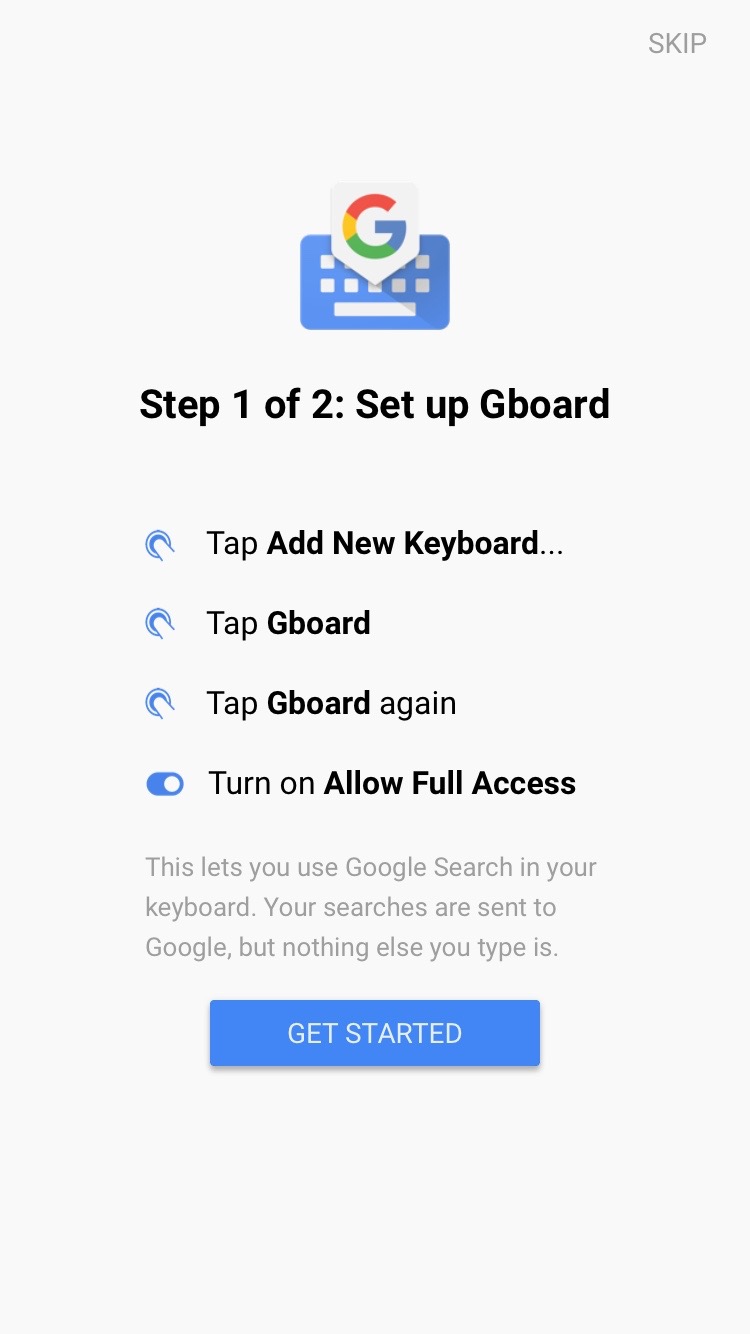
But that doesn’t seem to be the case. During setup, Gboard
displays
this
simple privacy statement, regarding its need for you to grant it
“full access”, including networking:
This lets you use Google Search in your keyboard. Your
searches are sent to Google, but nothing else you type is.
We know the things you type on your phone are personal, so
we’ve designed Gboard to keep your private information
private.
What Gboard sends to Google:
When you do a search, Gboard sends your query to Google’s
web servers so Google can process your query and send you
search results.
Gboard also sends anonymous statistics to Google to help us
diagnose problems when the app crashes and to let us know
which features are used most often.
What Gboard doesn’t send to Google:
Everything else. Gboard will remember words you type to help
you with spelling or to predict searches you might be
interested in, but this data is stored only on your device.
This data is not accessible by Google or by any apps other
than Gboard.
This privacy policy could change in the future, of course.
Deals can be altered, and
Google’s history of deliberately circumventing iOS privacy
features is well-documented. But right now, it looks like Gboard is actually private. In
fact, so far as I can tell, not only are you not required to
sign into a Google account to use it — there is no way to sign
in to a Google account even if you wanted to. Queries
sent through Gboard don’t show up in
my Google search history, even when I’m signed into my Google account in other Google
iOS apps. Only what you type in Gboard’s search input field gets
sent to Google, and even that is always sent anonymously.
Whether this is Google’s own magnanimous decision, a technical
limitation in iOS, or a policy decision enforced by App Store
review, I don’t know.
Design-wise Gboard is a little weird. All of Google’s recent
iOS apps use Google’s
Material Design
visual language, including the Roboto font. Their iOS apps
look and work a lot more like Android apps than iOS apps.
Gboard, however, was visually designed to mimic the standard
iOS keyboard very closely. Gboard sports slightly different
colors and changes a few key placements,1
but is clearly designed to look like the familiar system
keyboard — I’ll bet many users will think Gboard is only
adding a search bar above the system keyboard. (Third-party
keyboards in iOS can’t merely modify the system keyboard —
they must reimplement just about everything from
scratch.2)
But Gboard uses Roboto instead of SF. The differences
between Roboto and San Francisco are sometimes subtle, but
to my eyes it just makes it look out of place on iOS 9.
Also, they chose too thin of a weight of Roboto — I can
barely see the period on their “.” key. I think the whole
Material Design thing feels terribly out of place on iOS.
I’m glad they didn’t do with it Gboard, but they should have
gone the whole way and used San Francisco for the typeface,
too.
Gboard has some
interesting emoji features. First, rather than make you switch to a different
keyboard, it has its own dedicated emoji layout built in,
including search. Mac OS’s “Emoji and Symbols” picker has
long allowed for search; it’s long struck me as a little
curious that iOS’s standard emoji keyboard does not. Second,
Gboard’s predictive text feature will suggest emoji in
addition to actual words. Type “dinner” and the first
predictive suggestion is “🍴”; type “basketball” and you get
“🏀”. That’s clever.
Update:Federico Viticci: “There must be people at Google who really don’t
get the iPad. Gboard is very good on the iPhone; the layout
is atrocious on the iPad Pro.” I didn’t even think to try it
on an iPad — for some reason I’ve got it in my head that
third-party keyboards are an iPhone-only thing on iOS.
Update 2: [Rajan Patel, on Twitter][rp],
regarding this article:
@daringfireball It was our magnanimous decision, we should
go all the way w/ design, and we will polish iPad. ★
Example: Gboard uses a smaller return key with the “⏎”
glyph as a label; iOS uses a bigger key labeled “Return” —
but they’re both in the same location, the lower-right
corner. Gboard uses the extra space created by its smaller
Return key to add a “.” key to the alphabetic keyboard;
press and hold on it and you get shortcuts for a bunch of
common punctuation characters. ↩︎